Sorting Options in All Your Lists
1.53.0
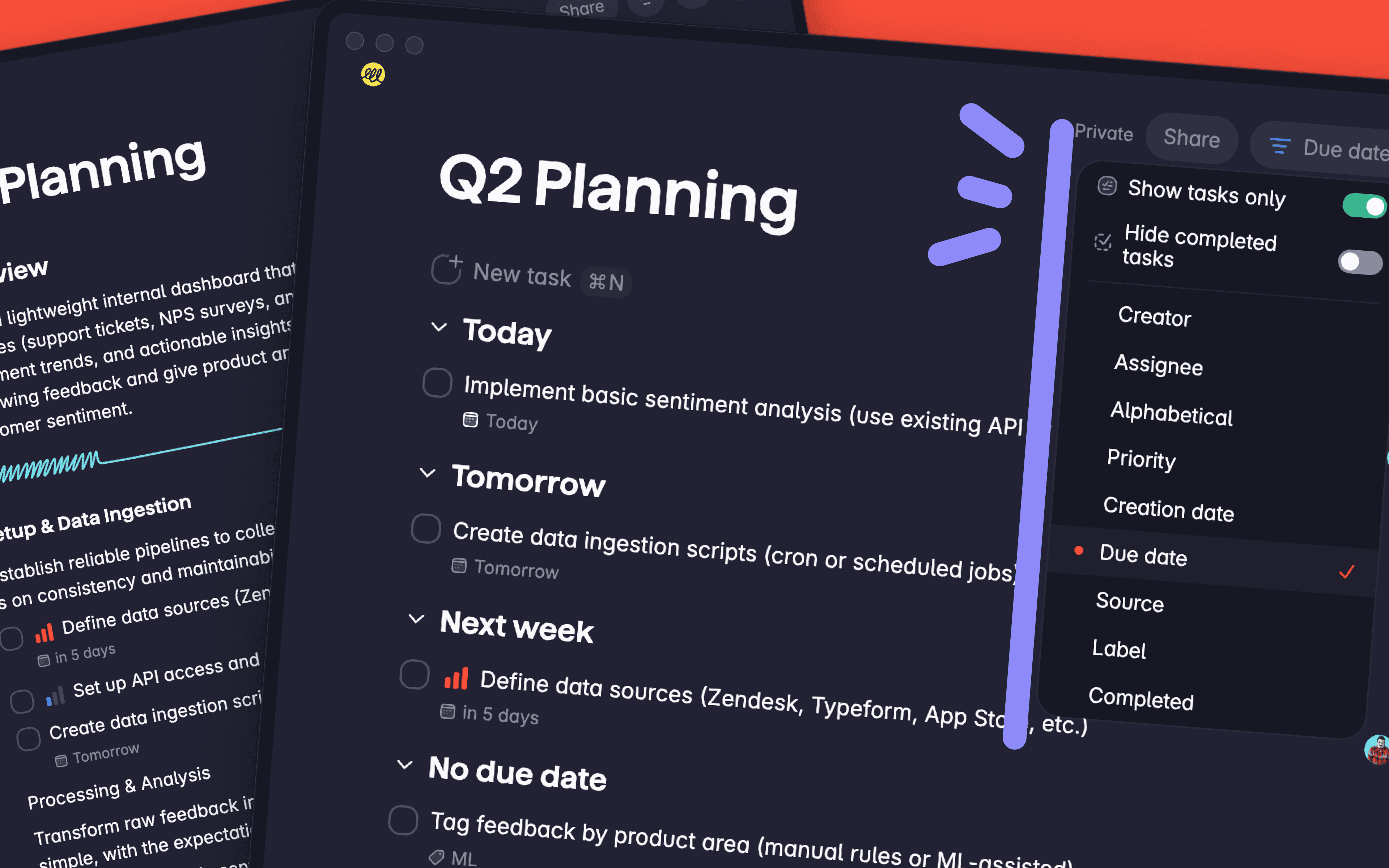
Staying on top of your tasks just got easier. With version 1.53, you can now sort the tasks in any of your lists, giving you full control over how your work is organized.
Sort Any List, Your Way
Every list in Superlist now comes with powerful sorting options. Tap the sort button and choose how you'd like your tasks arranged:
Alphabetical: Great for reference lists, inventories, or anything where A to Z order makes sense.
Creation date: See your newest or oldest tasks first.
Due date: Prioritize what's coming up next.
Priority: Focus on what matters most.
Assignee: Group tasks by who's responsible, perfect for team lists.
A Clean, Focused View
When you activate a sort order, Superlist automatically hides all non-task content in your list (headlines, paragraphs, and notes) so you get a clean, focused view of just your tasks. New tasks you add while sorting is active will be placed in the correct sorted position automatically.
When you're done, simply deactivate the sort order and all your non-task content will reappear exactly where you left them.
Other Improvements
Improved search results UI: Cleaner and easier to scan, helping you find what you need faster.
Fixed popover text alignment: Resolved a bug where text in mobile popovers was misaligned.