Your work and your life, finally on the same list.
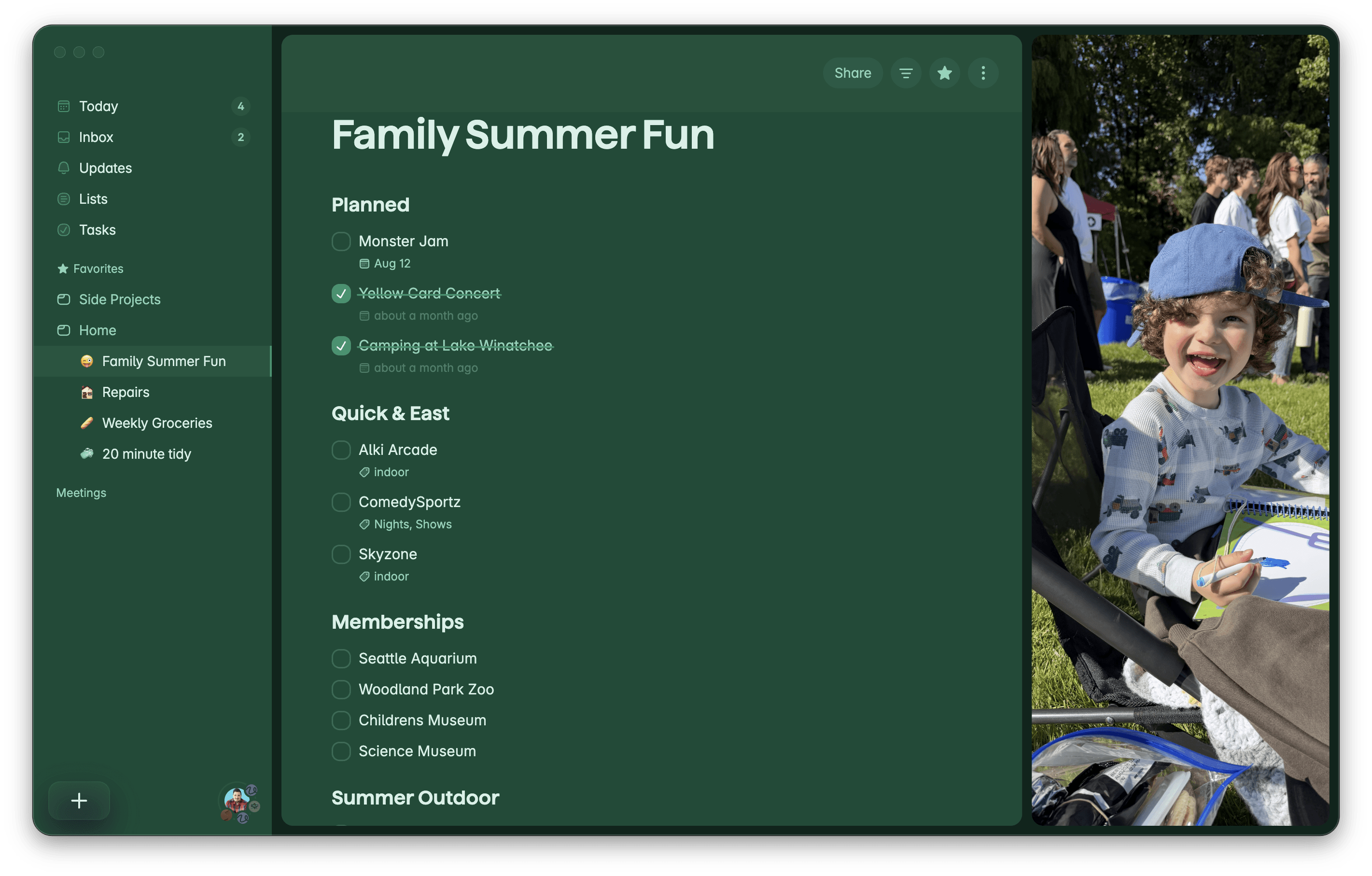
Flexible enough for project plans and meeting notes. Simple enough for groceries. One beautiful app for all of it.
★★★★★ 4.x on the App Store · XX,XXX reviews — [replace with real numbers before publish]
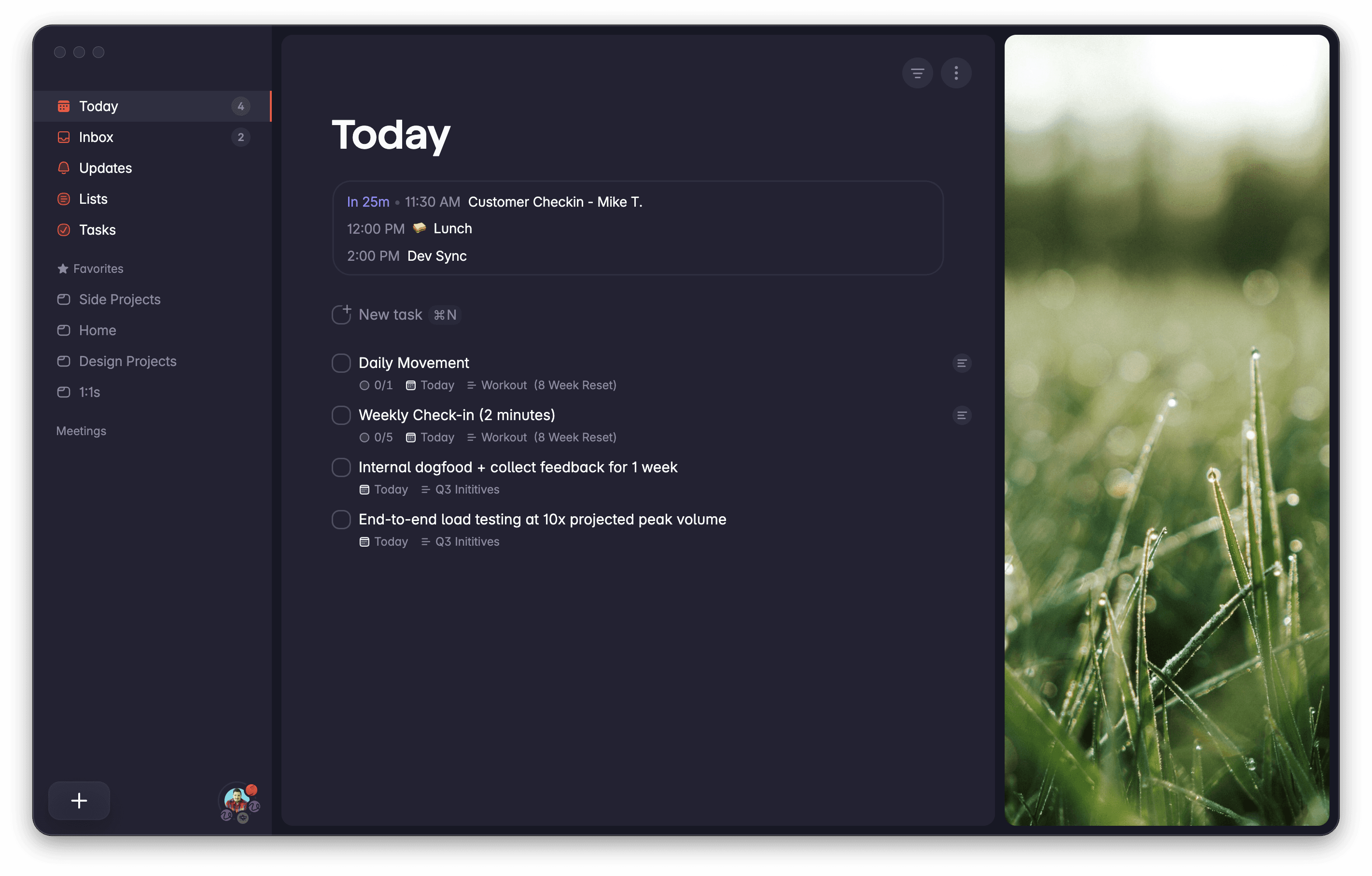
SOUND FAMILIAR?
Your to-dos are scattered across five apps and your own head.
Right now
✕ The project plan lives in a work tool you don't control
✕ The meeting notes are in a doc you'll never reopen
✕ Groceries in Reminders, ideas in Notes
✕ And you, copying tasks between all of them by hand
With Superlist
✓ One list holds the tasks, the notes, and the whole plan
✓ Meetings turn into action items on their own
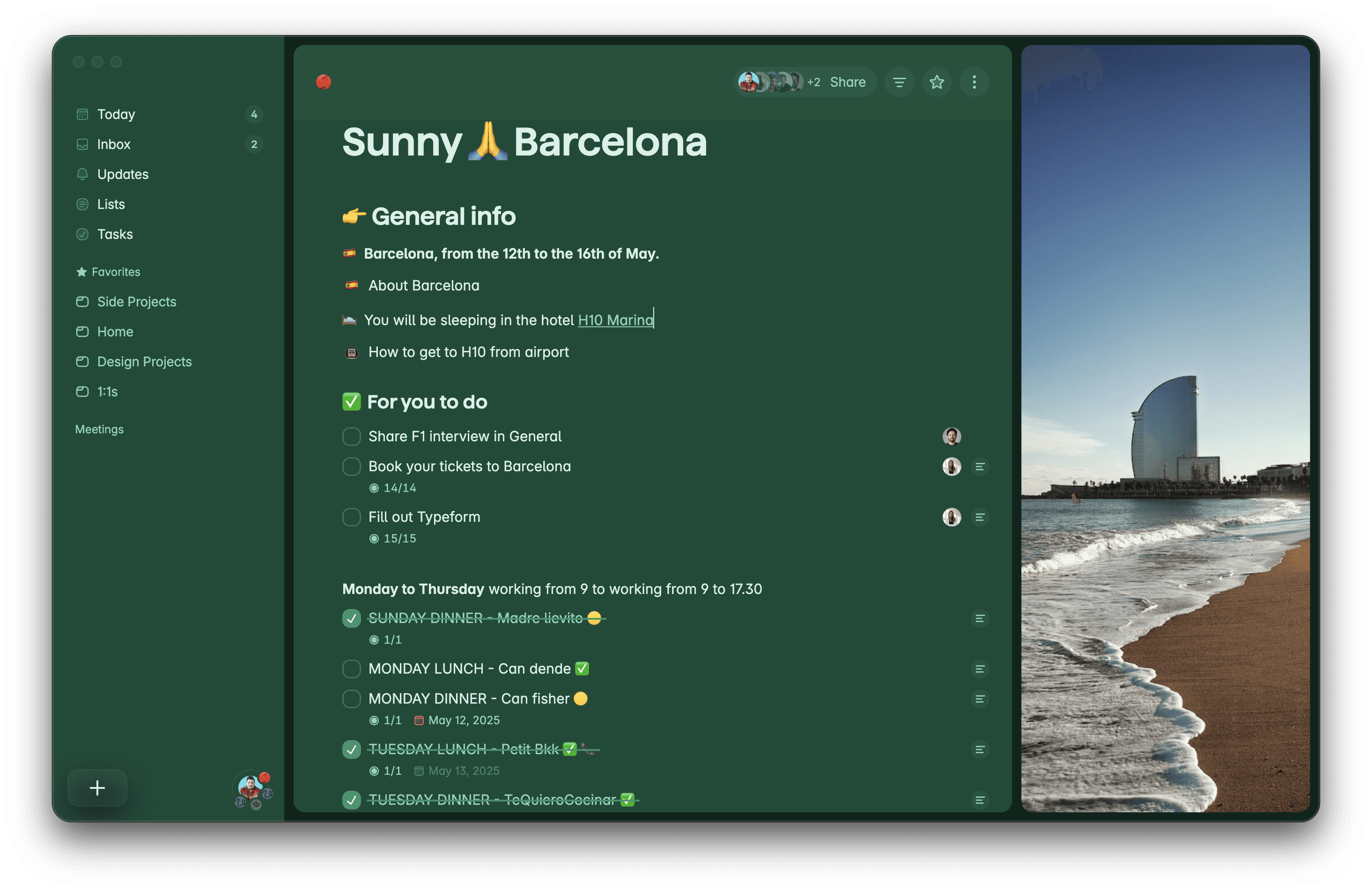
✓ Any list, shared — with the team or your partner
✓ In an app you'll actually want to open
Tuesday, deep-work hours
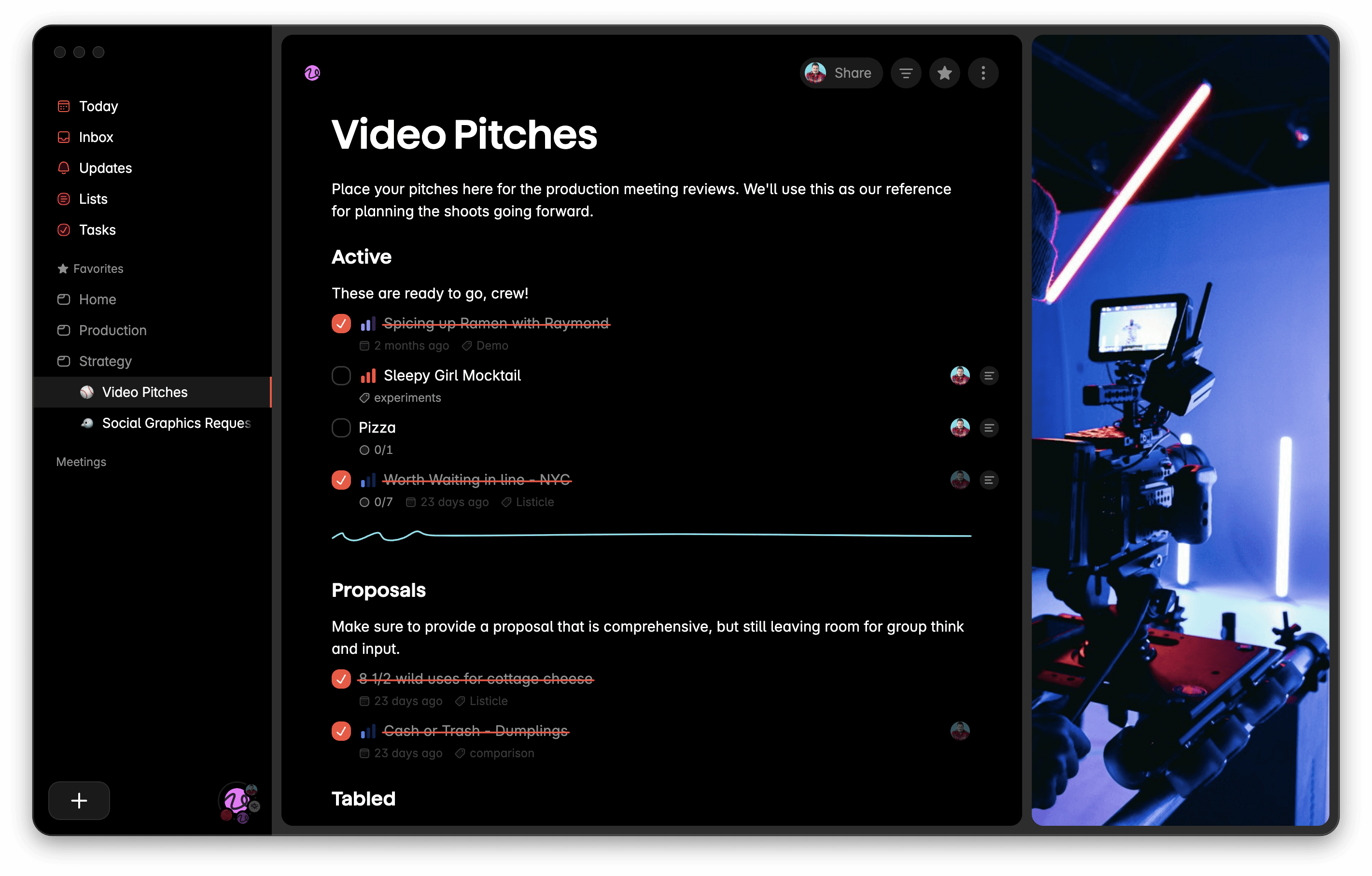
It's a doc — until it's time to work.
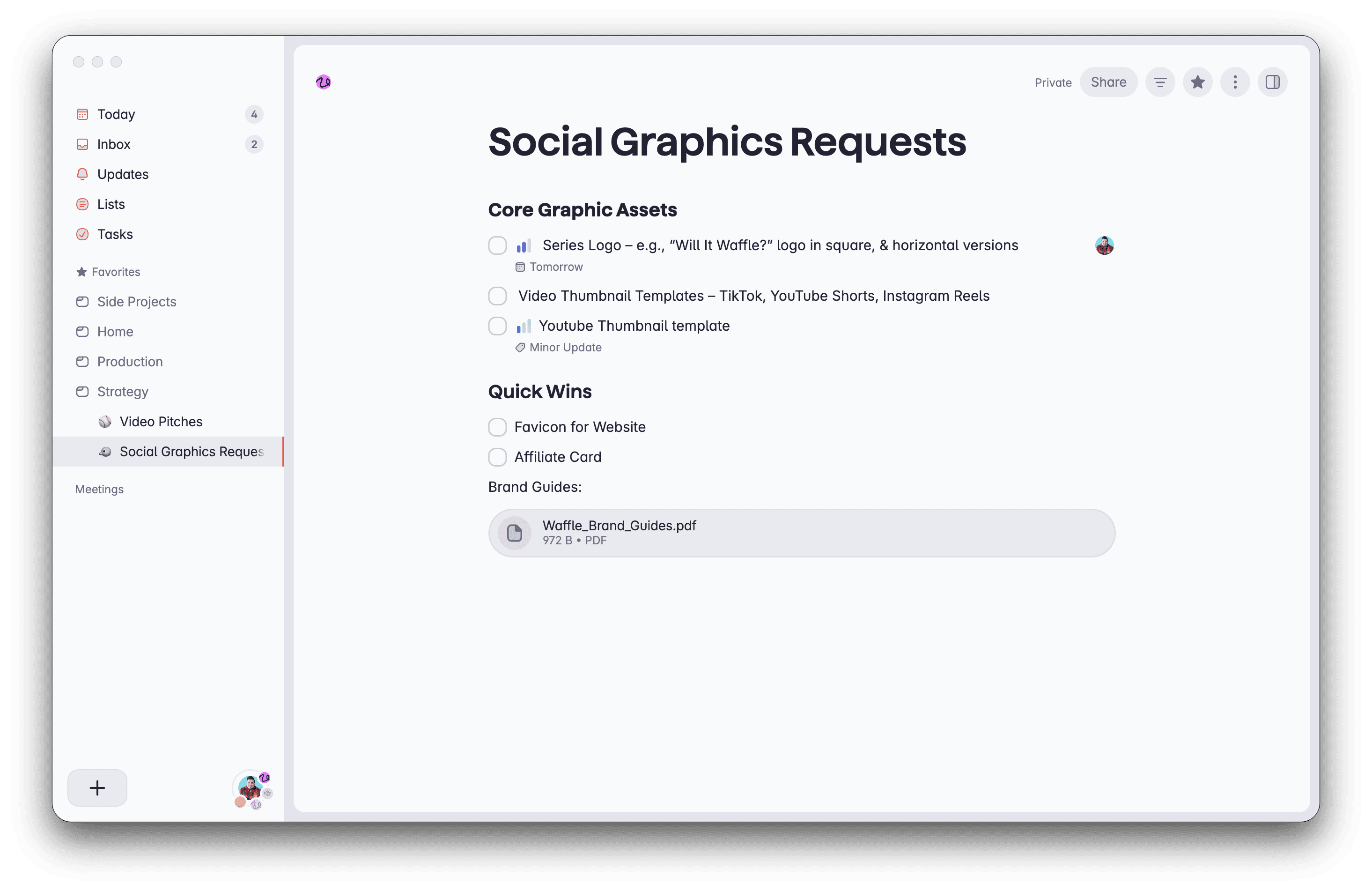
The launch plan lives here whole: notes, headlines, tasks nested inside tasks, each one its own full page. When planning ends and doing starts, one tap hides everything but the tasks, sorted by priority. Notion can't do the flip. Todoist can't hold the doc.
[Product media: the Everything → Tasks-only toggle on a mixed-content list, re-sorting by priority. Screen recording or Do More-style animation.]
[Product media: meeting ends → summarized action items appear, assigned and dated. Plus Talk voice capture. No bot in the call.]
9:58 — standup just ended
The action items wrote themselves.
No bot joined the call; the meeting simply became a list — summarized, assigned, dated — seconds after it ended. Same trick on a walk: say it out loud, it's on the list.
Uses AI, quietly. Your lists stay yours — nothing is shared or used for training.
Friday, 5:01 PM
Toggle work off. See you Monday.
One switch and work vanishes from view — not deleted, just not following you home. Reverse it Monday morning when you're screen-sharing and would rather the team didn't see "Book dentist for Sam."
[Product media: the sphere toggle — Work switched off, work tasks fade from Today. End state: "Nothing in view. Enjoy your Saturday."]
[Product media: shared grocery list with two avatars, live check-off.]
Saturday, 9:12 AM
Groceries with Sam. That's the whole list.
Share the launch plan with your team, the move with your partner, the groceries with the house. Everyone sees the same list, live — and your private lists stay private.
…and everywhere in between
Fast on every screen you own.
Native on Mac, iPhone, and Android, with a full web app for everything else — including Windows. Instant sync, full offline, no spinners.
[Device family shot: Mac + iPhone + Android + web, or reuse existing Download component media.]
SWITCHING?
Coming from Todoist, Things, or TickTick?
Bring your lists with you — the importer takes about a minute. The honest comparison:
PRICING
Start free. Stay free, honestly.
Free forever · No credit card · Cancel anytime
QUESTIONS
Fair questions.
What does the free plan actually include?
Unlimited tasks and notes, 5 lists, sharing with up to 5 people, every platform. Free forever — not a trial.
Is there a Windows app?
Not yet — Windows users get the full web app at app.superlist.com. If a native app ships, it'll be in the changelog first.
Won't work and personal blur together?
Only if you want them to. The toggle hides any sphere — work, personal, your side project — with one switch, without moving anything.
Do the AI features read my private lists?
Only when you invoke them, and nothing is used for training. [Link plain-English privacy note.]
Can I import from Todoist, TickTick, or Wunderlist? Can I cancel easily?
Yes — the importer moves lists, subtasks, and due dates in about a minute. And cancel is one click, in-app; you keep everything on the free plan.
Everything, in one place. Free forever to start.
"Every person we interviewed did the same strange thing: they'd finish a meeting or open their project tool — and then copy the tasks, by hand, into their own to-do list. Work tools weren't personal enough. Personal tools couldn't hold real work. So we built the list that could hold a whole life."
— The Superlist team · Berlin and remote
Built by a team behind Wunderlist and Blinkist.