Time Blocking: The Simple Scheduling Method That Actually Works
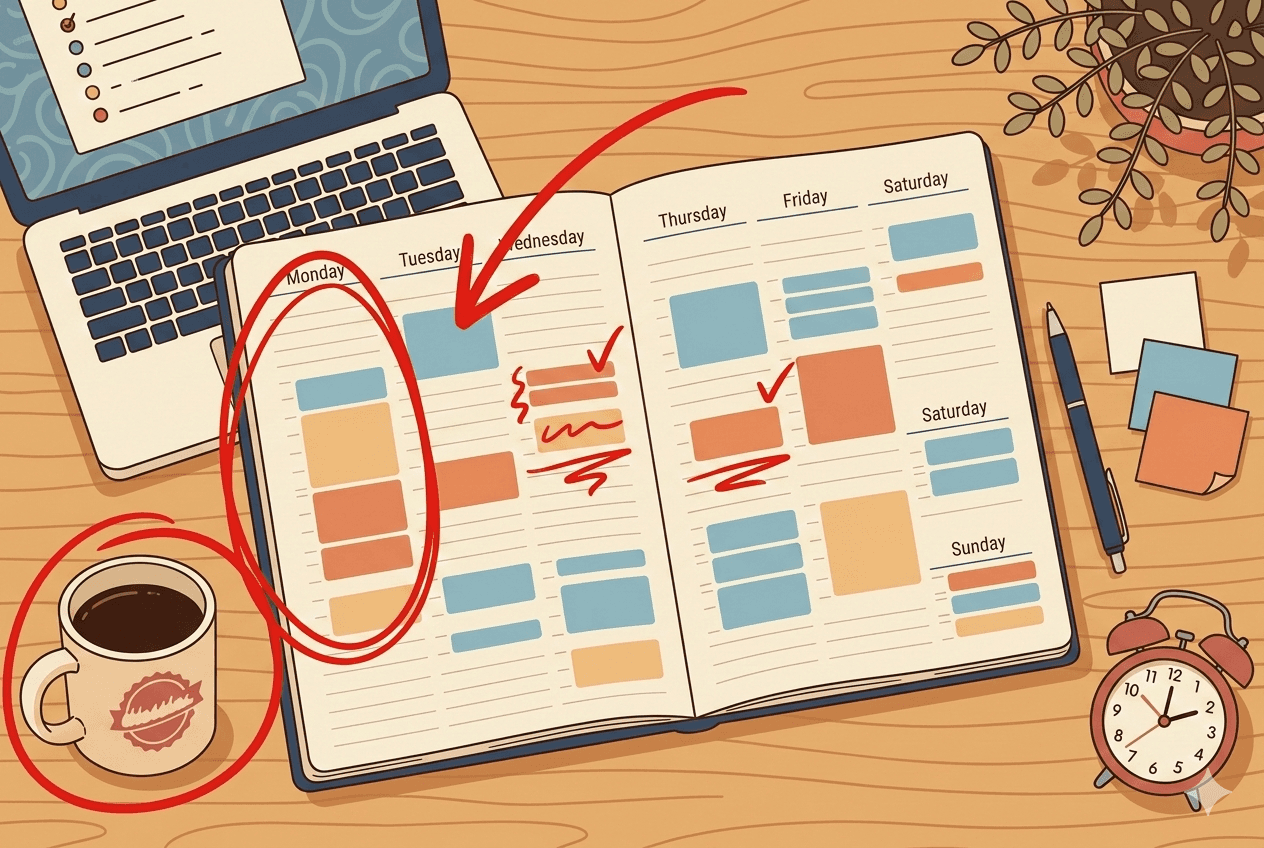
You started the day with a full to-do list and every intention of crushing it. By 5pm, you had been busy the entire time, yet somehow only a couple of items actually got done. The rest? Pushed to tomorrow, again.
If that sounds familiar, you are not alone. Most productivity struggles are not about effort or intelligence. They are about structure. Specifically, the lack of a clear plan for when things will actually happen. That is where time blocking comes in, and it is one of the most effective time management techniques you can add to your routine.
What Is Time Blocking?
Time blocking is the practice of dividing your day into dedicated chunks of time, each reserved for a specific task or type of work. Instead of working from an open-ended to-do list and hoping to get through it, you assign each task a slot on your calendar.
Think of it like making appointments with your own work. You would not skip a dentist appointment just because something else came up. A time block works the same way: it is a commitment to focus on one thing during a set window, whether that is 30 minutes or two hours.
The idea is not new. Elon Musk, Bill Gates, and Cal Newport (author of Deep Work) have all spoken about using some version of this method. But you do not need to be a CEO or a productivity obsessive to benefit from it. It works for anyone with more to do than time to do it.
Why Time Blocking Actually Works
The reason most to-do lists fail is simple: a list tells you what to do, but never when. Without a time assigned to a task, it floats in a vague future and it is easy to deprioritize indefinitely.
Time blocking solves this by forcing a few healthy decisions upfront.
It eliminates decision fatigue. Every time you finish a task and have to figure out what to do next, your brain burns energy. Over the course of a day, all those small decisions add up. When your schedule is already mapped out, you skip the deliberation entirely and just start the next block.
It creates honest constraints. When you try to slot everything into a real day, you quickly discover that you have overcommitted. That is uncomfortable, but it is also useful information. Better to realize on Sunday evening that your Tuesday is impossible than to find out at 4pm on Tuesday itself.
It reduces context switching. Jumping between emails, deep work, meetings, and admin is exhausting. Grouping similar tasks into blocks (for example, all communication tasks from 9 to 10am, then deep focus work from 10 to noon) means your brain can stay in one mode longer. Research consistently shows that context switching tanks productivity; time blocking is one of the cleanest ways to fight it.
How to Get Started with Time Blocking
You do not need any special tools to start. A paper planner, a digital calendar, or a task manager all work. Here is a simple approach to get going.
Step 1: Capture everything first. Before you block anything, get all your tasks out of your head and into a list. Include work obligations, personal errands, and anything you have been putting off. You cannot schedule what you have not accounted for.
Step 2: Identify your priorities. Not everything deserves equal time. Flag the two or three tasks that will actually move the needle today. These get your best hours, usually the first few hours of your working day before your energy dips.
Step 3: Block your calendar. Assign each priority task to a specific time window. Be realistic: a task you think will take 30 minutes usually needs 45. Add a short buffer between blocks so that overruns do not cascade through your whole day.
Step 4: Protect the blocks. This is the hard part. A time block is only useful if you actually respect it. That means closing your email tab, silencing notifications, and communicating to teammates that you are unavailable during those windows.
Step 5: Review and adjust. At the end of each day, spend five minutes noting what got done, what did not, and why. Over time, you will get much better at estimating how long things take and at designing days that are both ambitious and achievable.
Common Time Blocking Mistakes (And How to Fix Them)
Blocking every minute of the day. This leaves no room for interruptions, which are inevitable. Aim to block about 60 to 70 percent of your day, leaving the rest as buffer for the unexpected.
Creating blocks that are too small. A 10-minute block for a complex task is setting yourself up to fail. Meaningful work usually needs at least 30 to 60 minutes of uninterrupted focus. If a task genuinely only takes five minutes, batch several small tasks together into a single admin block.
Treating the plan as sacred. Life happens. A time block is a plan, not a contract. If something urgent comes up and knocks your morning off course, adjust and move on. The goal is better structure, not perfect adherence.
Forgetting to block recovery time. Breaks are not wasted time; they are part of what makes concentrated work possible. Schedule them explicitly, or you will burn out by midweek.
Making Time Blocking Stick
The single biggest obstacle to any new productivity system is the overhead of maintaining it. If your setup is complicated or fragmented across too many apps, you will abandon it within a week.
Keeping everything in one place makes a real difference. When your tasks, notes, and schedule all live together, building your time-blocked day becomes quick instead of tedious. Superlist is built with exactly this in mind: you can manage your task list, jot notes alongside each item, and plan your day without toggling between multiple tools. There is even an AI assistant that can help you prioritize when your list is longer than your day.
Whether you try time blocking with a paper planner, a calendar app, or a dedicated task manager, the key is the same: give your tasks a home in your schedule, protect that time, and adjust as you learn. A few weeks of this practice, and the end-of-day feeling of having actually finished what mattered starts to become normal.
That is the whole point.