How to replace 5 Apps with Superlist

Sep 17, 2025

How to Replace Five Apps with Superlist

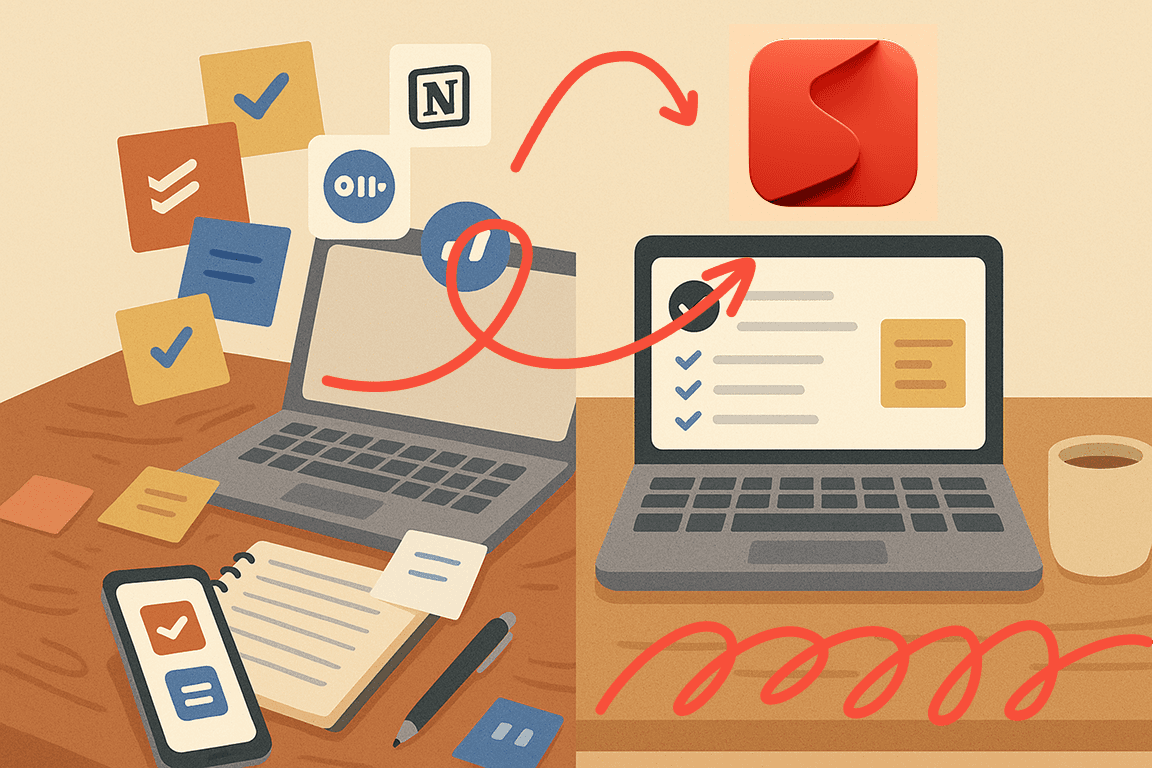
Most of us juggle a messy mix of productivity apps: one for tasks, another for notes, one for meetings, yet another for reminders, and often a separate tool for collaboration. While each app serves a purpose, switching between them takes time and energy. That’s where Superlist comes in. By bringing all these functions together in a single, beautifully designed app, Superlist helps you simplify your workflow, cut down on subscriptions, and stay focused.

Here’s how Superlist can replace five of the most common tools you’re probably using today.

1. From Todoist to Superlist: A Smarter Way to Manage Tasks

At its core, Superlist is a task manager, but it’s built to go beyond just checking off to-dos. You can create tasks, set due dates, add priorities, and organize everything into lists or sub-lists. Large projects become less intimidating when you can break them down into smaller steps, and the ability to add notes or files directly to a task means all the context stays in one place. Instead of scattering your work between apps, Superlist keeps your tasks and their details connected, so you can move forward without friction.

2. Replacing Notion: Notes That Live Where You Need Them

Superlist doesn’t try to compete with heavyweight documentation tools, but for most people, it covers the essentials of note-taking perfectly. Every task and list can hold detailed notes, whether it’s meeting minutes, brainstorming ideas, or project details. The built-in rich text editor makes formatting easy, while file and link attachments ensure that nothing gets lost. The best part? Notes and tasks live side by side. Instead of asking yourself, “Where did I write that down?”, you’ll always know where to look.

3. From Otter.ai to Superlist: AI-Powered Meeting Summaries

Meetings are where decisions get made — but capturing everything that’s said can be overwhelming. Superlist has AI transcription and summarization built in, so you can record your meetings and instantly receive both a transcript and a concise summary of key points and action items. Unlike other tools, there’s no need to invite a third-party bot into the call. The result is less hassle, clearer meeting notes, and a record that helps everyone stay aligned without the extra software.

4. Replacing Apple Reminders: Stay on Top of Every Deadline

For simple reminders, many people turn to Apple’s built-in app. But reminders in Superlist are far more powerful. You can set them for individual tasks, attach them to projects, or create recurring alerts that fit your schedule. Instead of spreading notifications across different apps, you’ll find everything neatly consolidated in one place. Deadlines, follow-ups, and recurring routines all get the attention they deserve without adding to your mental load.

5. From Trello to Superlist: Collaboration Without the Chaos

Collaboration is where Superlist truly shines. You can share lists with teammates, assign responsibilities, and track progress in real time. Built-in comments, mentions, and file attachments keep the conversation tied to the actual work, eliminating the back-and-forth of juggling multiple tools. Where Trello requires separate boards and integrations, Superlist keeps everything unified, so your team spends less time coordinating and more time getting things done.

The Bottom Line

Replacing five apps with one might sound too good to be true — but that’s exactly what Superlist delivers. By combining task management, notes, AI-powered meeting summaries, reminders, and collaboration, it reduces clutter, saves money, and makes your digital life far more manageable.

Instead of scattering your attention across apps, imagine opening just one and finding everything you need — organized, connected, and ready to move you forward. That’s the power of Superlist.

And here’s the kicker: the Super subscription costs just $25/month. Compare that to paying separately for Notion ($10), Otter.ai ($16), Trello ($12.50), and Todoist ($5) — a total of more than $40 every month. With Superlist, you save money while getting everything in one place.

Start bringing balance back to your life.

  • Superlist is an amazing app — simple, beautiful, and extremely convenient. I use it to manage my projects, keep shopping lists, and organize my life, and it works flawlessly. What I love the most is that the app isn’t overloaded — it has exactly what’s needed, and it does it perfectly. The design is stunning, the little details like sounds really stand out, and overall it just feels great to use. I rarely ever leave reviews, but this app truly deserves it.

    Yuraice

    iOS App Store

    Superlist is powerful and very well made. Love the ability to create tasks straight from taking notes, no need to swap apps or screens.

    FortierP

    iOS App Store

    I downloaded this app at the start of 2025 and it was immediately great - though It had a few flaws as was to be expected from a startup. Over the last 3 months or so it has become absolutely amazing!! It is now a key part of my daily routine and is super easy to use on all my devices and the new features that are being added (seemingly monthly) are incredibly helpful in managing my life and businesses. A++

    Dreamspace2

    iOS App Store

  • I have tried a ton of to-dos and notes apps and, despite not being the most feature rich, its the one that has worked the best. There's power in simple but flexible system. It's the equivalent of having a pen and paper, with a dedicated space to sort out your task accross your notes. When comes the time to complete a task: open it, braindump the process. Need to break it down even more, just make a new task inside that task, and open it up. The seamless fusion of notes and task is its greatest strength.

    zZzFalaecozZz

    iOS App Store

    This could be best overall app for managing tasks with a simple to do list. It takes the best of Notion and offers it in a clean, elegant and user-friendly UI.

    Rongax

    iOS App Store

    Well, I don’t know where to start honestly. This app itself makes you motivated to achieve what you want and it’s so fun to use. If you want to achieve something or a goal meanwhile being productive on daily basis I recommend this app for you. Have tried for months finding the perfect app that doesn’t seems complicated and I got my answer until I found SUPERLIST. ❤️👌😍

    IsMi1897

    iOS App Store

  • This app is incredibly easy to use and minimalist, perfect for my needs as a complement to the ones I already use.

    Clément

    Google Play Store

    Excellent app! I used to use Google Tasks, then Todoist, and now with Superlist I feel like it's a combination of Todoist and Notion. I love it and feel so comfortable.

    Bernabé

    Google Play Store

    This app is changing my life for the better. No more searching the house for my daily to-do notebook. It works wherever I am - on mobile and desktop.

    Lawrence

    Google Play Store

Start bringing balance back to your life.

  • Superlist is an amazing app — simple, beautiful, and extremely convenient. I use it to manage my projects, keep shopping lists, and organize my life, and it works flawlessly. What I love the most is that the app isn’t overloaded — it has exactly what’s needed, and it does it perfectly. The design is stunning, the little details like sounds really stand out, and overall it just feels great to use. I rarely ever leave reviews, but this app truly deserves it.

    Yuraice

    iOS App Store

    Superlist is powerful and very well made. Love the ability to create tasks straight from taking notes, no need to swap apps or screens.

    FortierP

    iOS App Store

    I downloaded this app at the start of 2025 and it was immediately great - though It had a few flaws as was to be expected from a startup. Over the last 3 months or so it has become absolutely amazing!! It is now a key part of my daily routine and is super easy to use on all my devices and the new features that are being added (seemingly monthly) are incredibly helpful in managing my life and businesses. A++

    Dreamspace2

    iOS App Store

  • This app is incredibly easy to use and minimalist, perfect for my needs as a complement to the ones I already use.

    Clément

    Google Play Store

    Excellent app! I used to use Google Tasks, then Todoist, and now with Superlist I feel like it's a combination of Todoist and Notion. I love it and feel so comfortable.

    Bernabé

    Google Play Store

    This app is changing my life for the better. No more searching the house for my daily to-do notebook. It works wherever I am - on mobile and desktop.

    Lawrence

    Google Play Store

Start bringing balance back to your life.

  • Superlist is an amazing app — simple, beautiful, and extremely convenient. I use it to manage my projects, keep shopping lists, and organize my life, and it works flawlessly. What I love the most is that the app isn’t overloaded — it has exactly what’s needed, and it does it perfectly. The design is stunning, the little details like sounds really stand out, and overall it just feels great to use. I rarely ever leave reviews, but this app truly deserves it.

    Yuraice

    iOS App Store

    Superlist is powerful and very well made. Love the ability to create tasks straight from taking notes, no need to swap apps or screens.

    FortierP

    iOS App Store

    I downloaded this app at the start of 2025 and it was immediately great - though It had a few flaws as was to be expected from a startup. Over the last 3 months or so it has become absolutely amazing!! It is now a key part of my daily routine and is super easy to use on all my devices and the new features that are being added (seemingly monthly) are incredibly helpful in managing my life and businesses. A++

    Dreamspace2

    iOS App Store